Pharmacy Batch & Expiry Management
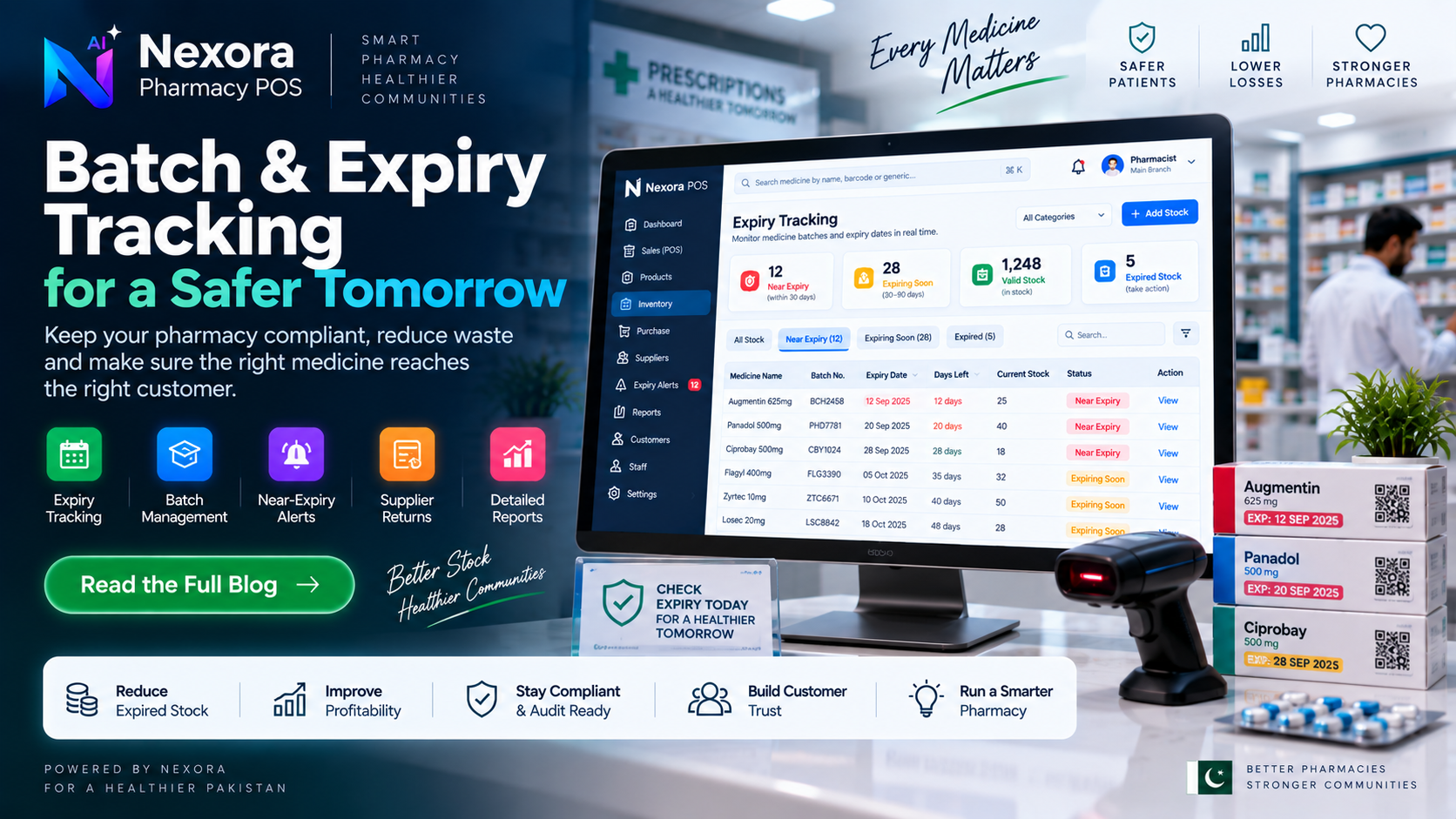
A practical guide to pharmacy batch and expiry management: why it matters, the risks of missed expiry, and what to evaluate in a pharmacy system.
Why batch and expiry management matters
Medicine is one of the few retail products where selling old stock is not just a business loss — it can be a genuine safety issue. A pharmacy that does not track expiry closely risks two things at once: financial loss from stock that cannot be sold, and the far more serious risk of an expired medicine reaching a customer.
Batch management adds a second layer to this: medicine is manufactured and often priced or sourced in batches, and knowing which batch a unit of stock belongs to matters for traceability — if a supplier issue or a recall affects a specific batch, a pharmacy needs to be able to identify and isolate that stock quickly.
The most direct risk is straightforward: unsold stock that passes its expiry date becomes a write-off. For a pharmacy running on thin margins, expired stock sitting on a shelf is money that already left the business and will not come back.
There is also a reputational and safety dimension. A customer who receives medicine close to or past its expiry date, even by accident, can lose trust in the pharmacy — and in some cases this is a genuine health risk, not just a customer-service issue. Beyond the individual sale, a pattern of poor expiry control can affect a pharmacy relationship with suppliers and regulators who expect basic stock hygiene.
Most pharmacies that manage this well follow a version of the same discipline: newer stock is placed behind older stock so older batches sell first (often called first-expiry-first-out), stock is checked on a regular schedule rather than only when a problem is noticed, and near-expiry items are actively prioritized for sale, discounted, or returned to the supplier rather than left until it is too late.
None of this requires software — pharmacies managed expiry manually for a long time — but it does require discipline and a way to actually see what is close to expiring, which becomes harder to do reliably by memory or paper as a pharmacy carries more products.
Software cannot replace the underlying discipline described above, but it can make the "what is close to expiring" question answerable at a glance instead of requiring a manual shelf check. If a system records expiry information against stock as it comes in, it can surface which items need attention without a staff member having to physically inspect every box.
Beyond visibility, connecting batch and expiry records to the same system used for billing and supplier purchases means expiry status is not a separate spreadsheet that can drift out of date — it lives alongside the stock data that is already being updated by daily sales.
When evaluating a pharmacy system specifically for batch and expiry handling, ask concrete questions rather than accepting a feature name at face value: can the system show which items are near expiry without a manual search, is expiry information tied to the same stock record used at billing, and how is a batch actually represented — is it just a date, or something more structured?
It is reasonable to ask a vendor to show this working on real data during a demo rather than relying on a marketing description, since "expiry tracking" can mean very different things between products.
Nexora Pharmacy POS includes batch and expiry tracking as part of its published feature set, positioned around helping a pharmacy monitor batches, expiry dates and near-expiry medicines so that stock does not turn into a loss unnoticed. This article is deliberately general: for the exact detail of how that tracking works inside the product, the batch and expiry tracking page below is the accurate source rather than this guide.
Frequently Asked Questions
What does "first-expiry-first-out" mean?
It is a stock rotation principle where the stock closest to its expiry date is sold first, regardless of when it arrived, so older batches do not sit unsold while newer stock is sold ahead of them.
Is batch tracking only useful for large pharmacies?
No. Even a single-counter medical store benefits from knowing what is close to expiry — the risk of an unnoticed expired item exists regardless of store size, though the process becomes harder to manage by memory as product count grows.
Does every POS system track expiry the same way?
No. Implementations vary significantly between products, from a simple date field to fuller batch-level tracking. It is worth confirming directly with any vendor how their system actually represents and surfaces this information.
Related Articles
- Pharmacy POS Software in Pakistan: Complete Guide to Billing, Inventory & Expiry Management — 1 min read
- Pharmacy Management Software in Pakistan: Complete Guide — 1 min read
- Pharmacy POS Software in Pakistan: Complete Guide for Medical Stores — 1 min read
- Free Invoice Generator USA | Create Free Invoices Online — 1 min read