Pharmacy POS Software in Pakistan: Complete Guide for Medical Stores
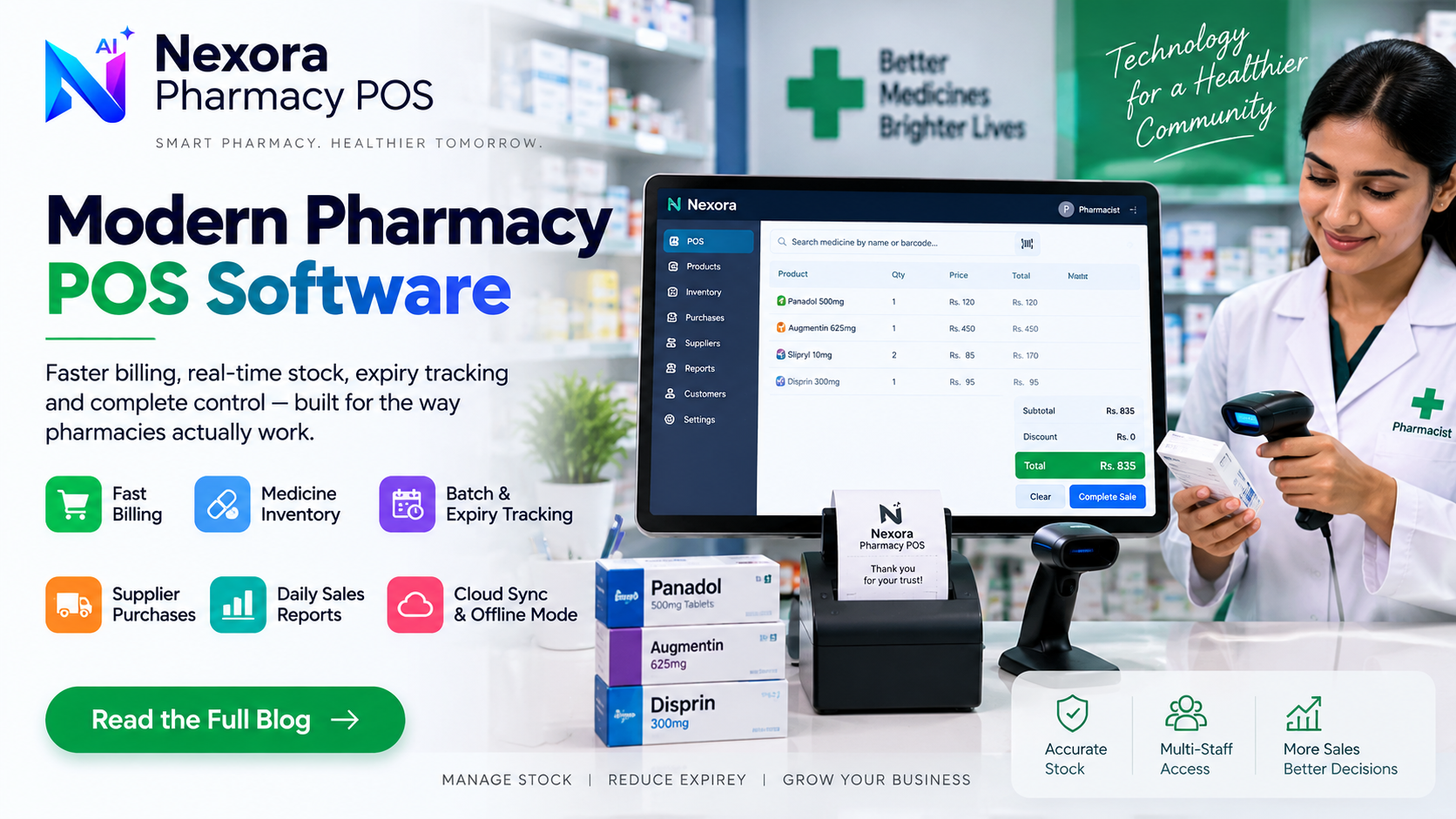
A complete guide to pharmacy POS software in Pakistan: billing, medicine inventory, supplier purchases, batch and expiry tracking, and how to choose a system.
What pharmacy POS software is
Pharmacy POS (point-of-sale) software is the counter system a medical store or pharmacy uses to sell medicines, record what left the shelf, and keep a running picture of stock and cash. In practice it replaces a manual register or a generic retail till with something built around how a pharmacy counter actually works: fast medicine lookup, a receipt for every sale, and a stock count that updates the moment something is sold.
It sits between two jobs that used to be handled separately in many stores — billing the customer and tracking inventory — and connects them, so a sale automatically reduces stock instead of requiring a second manual entry later.
A pharmacy counter deals with high transaction volume, narrow margins on many items, and stock that can expire or run short without warning. A notebook or a generic calculator-and-register setup makes it hard to know, at any given moment, what is actually in stock, what is close to running out, or what a supplier still owes a refund on.
POS software addresses this by giving the counter a searchable product list, an itemized receipt for every sale, and a stock count that reflects reality after each transaction rather than after a manual end-of-day recount. For a single-counter medical store this mostly means fewer manual mistakes; for a multi-staff pharmacy it also means an owner can review what happened during a shift without being physically present for it.
At the counter, the core job of pharmacy POS software is speed without sacrificing accuracy: searching for a medicine by name (or a similar sounding one, since many brand and generic names are close), adding it to the sale, applying any discount, and producing an itemized receipt that shows what was sold, the quantity and the amount charged.
Because pharmacies often serve walk-in customers who will not be seen again, most pharmacy POS billing is designed to be fast by default rather than requiring a saved customer profile for every sale — while still keeping a record of the transaction itself for later reporting.
Medicine inventory in a pharmacy system usually covers the basics every counter needs: the medicine name, category, price and current stock level, updated automatically as sales happen. This is what lets an owner or pharmacist see, without a manual count, which items are moving fastest and which are sitting unsold.
A useful inventory setup also flags low stock before a shelf actually runs empty, so reordering can happen ahead of a stock-out rather than after a customer has already been turned away.
The other side of inventory is what comes in, not just what goes out. Recording purchases against a specific supplier — with cost price, quantity and any returns — is what lets a pharmacy reconcile what it paid for stock against what it later sold, and keep a clean record of which supplier a batch of medicine actually came from.
This matters operationally even outside of accounting: if a supplier issue comes up later (a pricing dispute, a return, a quality concern), having purchases tied to a named supplier record makes it far easier to trace than searching through paper invoices.
Expiry is a real operational risk for any pharmacy: medicine that sits unsold past its expiry date is a direct loss, and selling expired stock is not something any legitimate pharmacy wants to risk. Because of this, batch and expiry visibility is one of the more important things to look for in a pharmacy system, alongside the basics of billing and inventory.
At minimum, a pharmacy owner should be able to see which medicines are approaching expiry so they can be prioritized for sale, returned to a supplier, or removed from the shelf — rather than discovering the problem only when a customer picks up an expired box.
At the end of a day or a shift, an owner typically wants a small set of direct answers: how much was sold, what the cash position looks like, what is running low, and what is close to expiry. Pharmacy POS software should be able to answer these from the same records created at the counter, rather than requiring a separate manual summary to be built afterward.
This is also where customer and transaction history becomes useful where it exists — being able to look back at a past sale (for a return, a query, or a repeat purchase) without relying on memory or a paper slip.
Before choosing a system, it is worth being specific about a few things rather than judging on a features list alone: how fast can the counter actually find a medicine during a busy hour, does the system show low stock and near-expiry items clearly, can purchases be tied to a specific supplier, and can more than one staff member use it with different levels of access.
It is also worth asking what happens without an internet connection, since not every pharmacy counter has a stable connection all day, and a system that cannot bill during a short outage creates its own operational risk.
A practical way to choose is to test the exact daily workflow rather than a demo script: search for a real medicine your store sells, complete a real sale, check that stock updated correctly, and record a real supplier purchase. If those four steps feel natural, the system is likely to hold up under real counter pressure.
It is also reasonable to ask a vendor directly how batch and expiry visibility actually works in their product, rather than assuming from marketing copy — the answer should be concrete, not just a feature name.
Nexora Pharmacy POS is built around the workflow above: fast medicine search and billing at the counter, medicine inventory with stock levels and reorder visibility, batch and expiry tracking to help surface near-expiry medicines, and supplier purchase records that connect what comes in to what goes out. Daily sales reports bring sales, stock and expiry information together in one place, and the platform runs with cloud sync so counter, owner and reports stay aligned.
This article is intended to help you evaluate pharmacy POS software generally, whichever system you choose. If you want to see how Nexora Pharmacy POS specifically handles billing, inventory, batch tracking and supplier purchases, the product pages below go into each workflow in more detail.
Frequently Asked Questions
Is pharmacy POS software different from regular retail POS software?
They share the same core idea — billing plus inventory — but pharmacy POS software is built around medicine-specific needs such as batch and expiry visibility, which a generic retail till usually does not prioritize.
Can pharmacy POS software track medicine expiry automatically?
This depends entirely on the specific product. Ask a vendor directly how expiry visibility works in their system rather than assuming from a features list — the implementation varies a lot between products.
Does Nexora Pharmacy POS work without internet?
Nexora POS modules support offline billing, so the counter can keep working during a connectivity drop, with data syncing back to the cloud once the connection returns.
Do I need a separate system for supplier purchases?
Not necessarily. Many pharmacy POS systems, including Nexora Pharmacy POS, record supplier purchases within the same workspace as billing and inventory, so the two stay connected.