What Is POS Software?
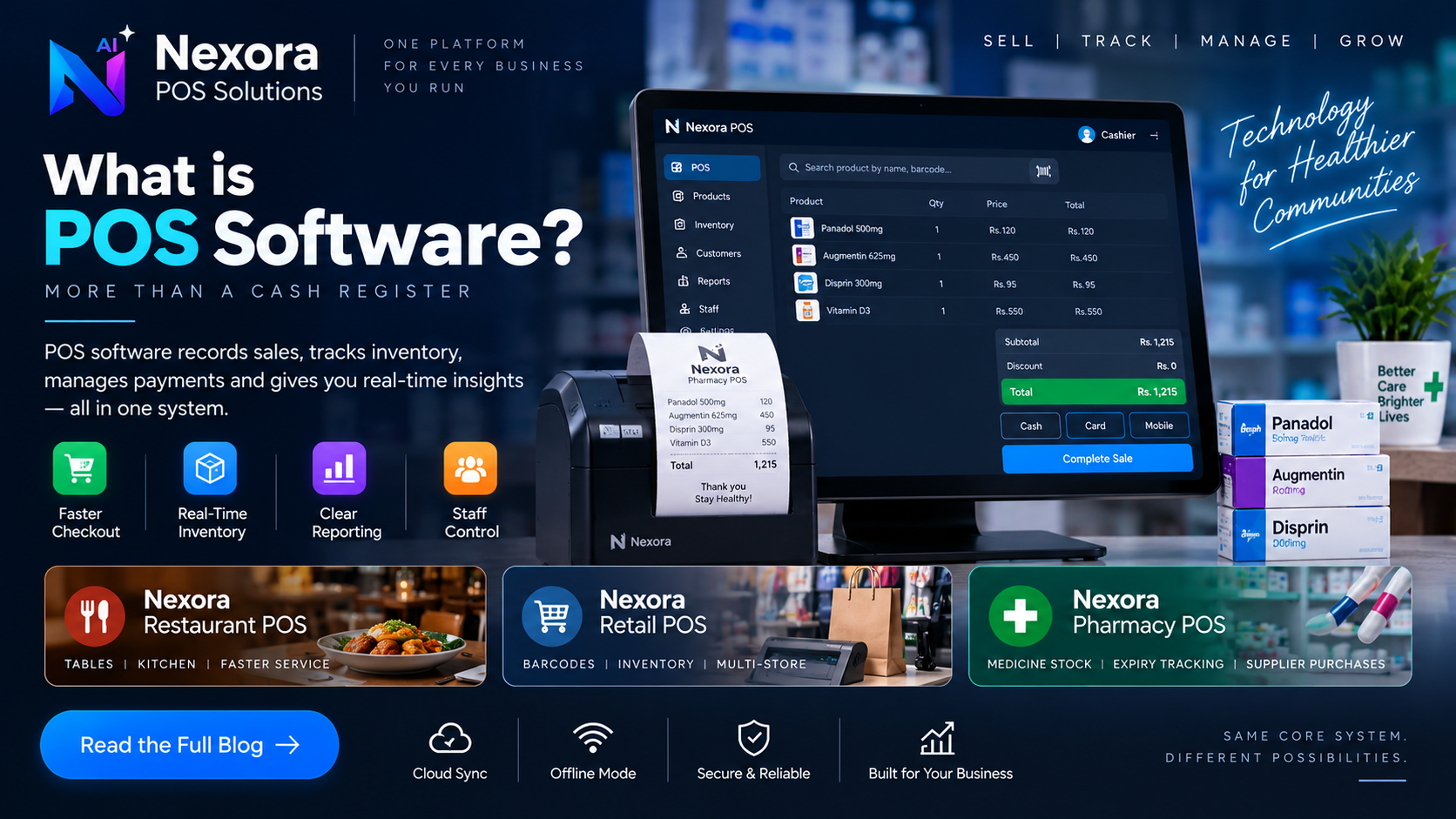
A clear, practical explanation of what POS software is, how it works, and how businesses evaluate cloud versus offline point-of-sale systems.
Definition
POS stands for point of sale — the moment and the place where a customer pays for a product or service. POS software is the system that records that transaction: what was sold, at what price, how it was paid for, and what should happen to stock as a result.
In practice, "POS software" has grown beyond just a digital cash register. Most modern POS systems combine billing, inventory tracking, basic reporting and staff access control into one workspace, because those functions naturally depend on the same underlying sales data.
At a basic level, a POS system works in three steps: a product or service is selected (by search, barcode or menu), a bill is generated with the correct price, tax and any discount, and payment is recorded against that bill. Once the sale is complete, most systems automatically adjust inventory and log the transaction for later reporting.
What differs between industries is what happens around this core loop — a restaurant needs table and kitchen coordination, a retail store needs barcode-driven inventory, and a pharmacy needs medicine-specific stock handling — but the underlying billing loop is the same everywhere.
Checkout is the part of POS software a customer actually sees: finding the item, applying any discount, calculating tax, and producing a receipt. Speed matters here because checkout time directly affects how many customers a counter can serve, especially during busy periods.
Most POS systems track stock levels and reduce them automatically as sales happen, rather than requiring a manual recount. This is what lets an owner see, without physically checking shelves, what needs to be reordered and what is not moving.
Many POS systems can optionally record who a customer is and link past purchases to that record. This is more important in some businesses (a retail store building loyalty, a pharmacy tracking a regular customer) than others (a quick-service counter with mostly one-time buyers), so how much a POS emphasizes customer records tends to vary by industry.
Reporting turns the transactions recorded during the day into something an owner can actually use: total sales, cash reconciliation, best-selling items, staff performance and stock movement. Good POS reporting answers direct questions without requiring a manual spreadsheet to be built afterward.
POS software generally needs to record how a customer paid — cash, card, or a mobile wallet, depending on what a business actually accepts — and reflect that in daily cash reconciliation. What payment methods a POS supports directly affects what can be reconciled cleanly at the end of a shift.
Beyond the core sale, most businesses also need a small set of related workflows: processing a return or refund, applying a discount correctly, handling a walk-in versus a saved customer, and closing out a cashier shift with a reconciled total. How smoothly a POS handles these day-to-day edge cases often matters more in practice than the headline feature list.
A cloud-based POS depends on an internet connection for most actions, giving real-time visibility across devices and locations when connected. An offline-capable POS can keep billing during a connection drop, using locally stored data that syncs back once the connection returns. Neither approach is universally better — the right choice depends on how reliable the internet connection at the actual counter is, and how costly it would be to stop billing during an outage.
A practical evaluation focuses on the business own workflow rather than a generic feature list: how fast is checkout for the products actually sold, does inventory update accurately, can staff access be limited appropriately, and does billing continue if the internet drops. Testing a real transaction during a trial or demo reveals far more than reading a specification sheet.
Nexora offers POS software built around specific business types rather than one generic system: Restaurant POS for table and kitchen workflows, Retail POS for barcode-driven store checkout, and Pharmacy POS for medicine-specific billing and inventory. Each shares the same underlying billing, inventory, reporting and cloud-sync foundation described above, applied to that industry particular needs.
If you are still comparing POS software in general, the buying checklist and cloud-versus-offline comparison below go deeper into the specific questions worth asking before choosing.
Frequently Asked Questions
Is POS software only for retail stores?
No. Restaurants, pharmacies, service counters and many other businesses that take payment at a counter use POS software — the core billing-and-inventory loop is the same, even though industry-specific needs differ.
Do I need internet to use POS software?
It depends on the system. Cloud-based POS generally needs a connection for most actions, while offline-capable POS can keep billing during an outage and sync data once reconnected.
What is the difference between POS software and a cash register?
A cash register mainly records that money changed hands. POS software additionally tracks what was sold, updates inventory, and produces reports — turning the sale into structured data rather than just a total.