What Is School ERP Software?
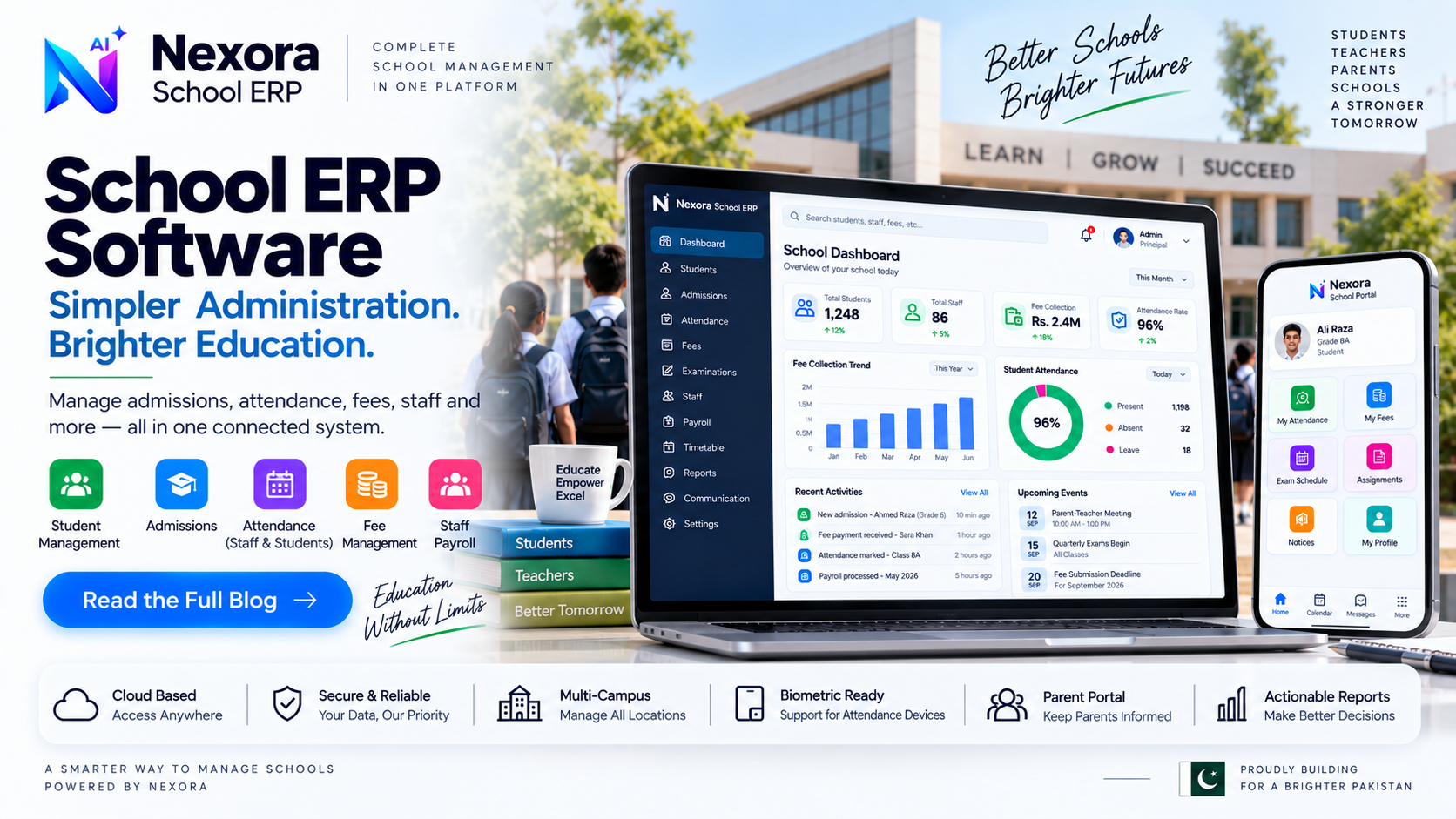
A clear explanation of what school ERP software is, how it handles admissions, attendance, fees and payroll, and how schools evaluate it.
Definition
School ERP (enterprise resource planning) software is a system that brings the day-to-day administrative work of running a school — student records, admissions, attendance, fees and staff payroll — into one connected workspace, instead of spreading it across registers, spreadsheets and separate tools.
The "ERP" part reflects the same idea used in general business software: rather than treating each administrative function as its own isolated process, a school ERP links them, so a student record created at admission carries through to attendance, fees and reporting without being re-entered each time.
Most school ERP systems are organized around a small number of core records — students, classes, staff and fee structures — and a set of daily workflows built on top of them: marking attendance, generating a fee voucher, recording a payment, or running payroll. Because these workflows share the same underlying student and staff records, updating one (a class change, for example) reflects consistently everywhere it matters.
A student record typically holds an admission number, class, section, roll number and guardian contact details in one place. Admissions is the workflow that creates this record — capturing the information once at enrollment rather than re-collecting it every time a different school office needs it.
Attendance can be marked manually by class or, in systems that support it, connected to a biometric or RFID device for faster daily marking. Attendance is usually tracked for both students and staff, since both feed into different reports a school needs — parent-facing attendance for students, and payroll-relevant attendance for staff.
Fee management covers how a fee bill moves from being created to actually being collected — some systems mark a bill paid the moment it is generated, while others route it through an approval step first. Recurring monthly fees are typically tied to a specific month, which is what allows a school to see collection status per month rather than just an overall balance.
Staff payroll in a school ERP generally supports different pay frequencies by role — daily, hourly or monthly — and tracks gross pay alongside deductions for each payment, so a school has a clean record of what each staff member was actually paid and when.
Because attendance and fee data are captured as part of daily workflows rather than collected separately, a school ERP can turn that data into a dashboard view — collection status, attendance trends, pending dues — instead of requiring a manual tally built at the end of each month.
As a general ERP concept, different staff roles usually need different access — front-office staff handling admissions should not necessarily see payroll, and accounts staff may not need to edit attendance. Schools running more than one campus should also check, specifically, whether student, fee and attendance records are separated per campus or shared across all of them, since this varies between systems and is worth confirming directly rather than assuming.
Moving to a school ERP mid-year is more common than starting fresh at the beginning of a session, which means existing student and fee records usually need to be migrated rather than re-entered from scratch. A realistic implementation plan accounts for this migration step, plus training time for office staff who will use the system daily.
A practical evaluation tests the real workflow rather than a features list: create a real student record, mark attendance for a real class, generate a real fee voucher, and check whether the resulting report actually answers the questions a principal or owner asks daily. Schools with more than one campus should specifically confirm how multi-campus separation works before committing.
Nexora School ERP covers student and admission records, attendance (including biometric device support), fee management with an approval workflow, and staff payroll with role-based pay frequency and deductions. It also includes exam scheduling and a parent-facing portal for academic and payment visibility as part of its published feature set, alongside role-based access for different staff functions.
This article focuses on what school ERP software is in general. The pages below cover exactly how each of these workflows works inside Nexora School ERP specifically.
Frequently Asked Questions
Is school ERP software only for large schools?
No. Even a single-campus school benefits from linking student records, attendance and fees instead of managing them in separate registers — the administrative overhead of manual tracking exists regardless of school size.
Can school ERP software handle more than one campus?
This varies by product. Confirm directly with a vendor whether student, fee and attendance records are separated per campus or shared, since this affects how multi-campus reporting works.
Does school ERP software replace a school management team?
No. It organizes and connects administrative records so staff can work faster and with fewer errors — the decisions and oversight still come from the school leadership and staff.