School ERP Implementation Checklist
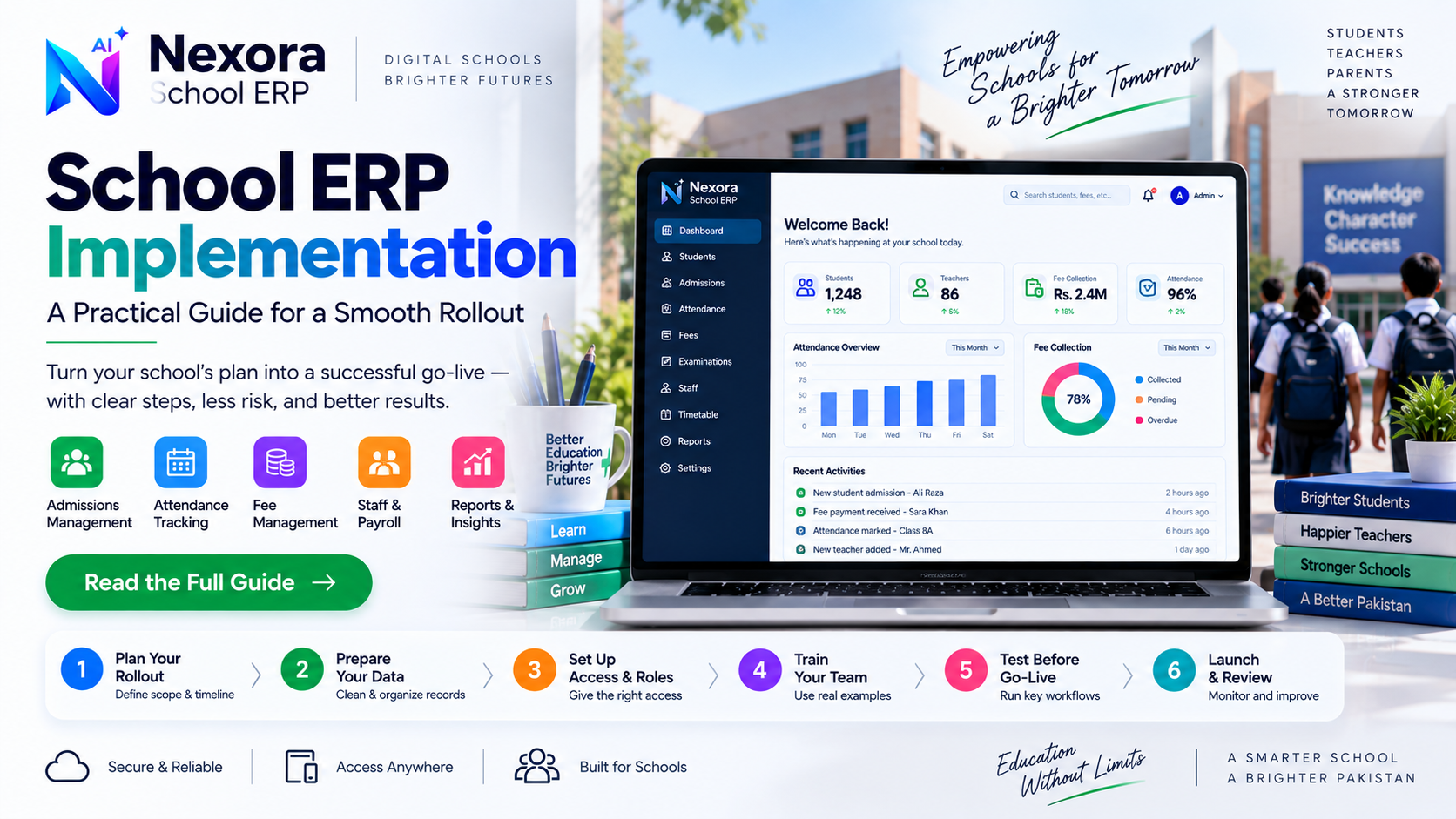
A practical checklist for implementing school ERP software: data preparation, training, rollout planning, testing and post-launch review.
What this checklist covers
This guide assumes a school has already chosen its ERP system and is focused on rolling it out well. If you are still deciding which software to choose, the school ERP buying checklist linked below covers software selection specifically — this article is about implementation, not selection.
Before touching the system itself, decide the rollout scope: will every class and department move at once, or will one grade or one workflow (attendance, for example) go first as a pilot. Also decide a realistic go-live date that does not fall in the middle of exams or fee collection week, since both are high-pressure periods where a new system adds unnecessary risk.
Most schools are not starting from zero — there are existing student records, fee histories and staff details somewhere, even if scattered across registers and spreadsheets. Before migration, clean this data: remove duplicate student entries, confirm current class and section assignments are accurate, and decide how far back fee history actually needs to be migrated versus just recorded as an opening balance.
Decide who needs access to what before accounts are created, not after: front-office staff handling admissions and attendance typically need different access than accounts staff handling fees and payroll, and teaching staff may only need to view their own class attendance. Planning roles up front avoids the common shortcut of giving everyone full access just to move faster at launch.
Training works best when it uses real examples from the school rather than generic demo data — have front-office staff practice with an actual (or realistic) student record, have accounts staff generate a real fee voucher for a real class. Staff who complete one full, familiar workflow during training adapt faster than those who only watch a walkthrough.
A phased rollout — starting with one workflow or one grade before expanding — reduces the risk of a single mistake affecting the whole school at once. Keep the old process available as a fallback for the first week or two, but set a clear date after which the old method is retired, so the team does not quietly keep running both in parallel indefinitely.
Before full go-live, test the workflows that matter most with real data: admit a real student, mark attendance for a real class, generate and collect a real fee payment. Confirm the resulting reports show what a principal or owner actually expects to see — a workflow that works technically but produces a confusing report has not really been tested properly.
If migrating from a previous system or from spreadsheets, decide explicitly what gets migrated versus what starts fresh as of go-live. Attempting to migrate every historical record perfectly can delay a launch for months; a reasonable middle ground is migrating current, active records fully and keeping historical data accessible separately if it is needed later.
Staff, and often parents, should know a change is happening before it happens — what will look different, when it starts, and who to contact if something goes wrong during the transition. A short heads-up reduces confusion and support requests far more than announcing the change on the day it happens.
Before declaring the rollout complete, confirm that the reports leadership actually relies on — daily attendance summary, fee collection status, payroll for the current cycle — are working correctly and are being checked by someone, not just technically available in the system.
A few weeks after go-live, review what is actually happening rather than assuming the plan worked: are staff using the system correctly, are there recurring errors in a specific workflow, and does anyone need more or less access than originally planned. Treat the first month as a period to adjust, not as a one-time setup that is finished once training ends.
The workflows described above — admissions, attendance, fee management and payroll — map directly to Nexora School ERP modules, and the product pages below cover the specific detail of how each one works if you are implementing Nexora specifically. This checklist itself applies broadly, regardless of which school ERP system a school has chosen.
Frequently Asked Questions
How long does a typical school ERP implementation take?
This varies significantly by school size and how much historical data needs migrating. A phased rollout — starting with one grade or one workflow — is generally safer than attempting a full switch on a single date.
Should implementation happen mid-term or between sessions?
Between sessions is usually lower-risk if the timeline allows it, since it avoids disrupting active fee collection or exam periods. A mid-term rollout is possible but should specifically avoid high-pressure weeks.
What is the most common implementation mistake schools make?
Giving every staff member full access to speed up launch, and skipping a genuine test of real workflows before going live. Both create problems that are harder to fix after the system is already in daily use.