How to Create an Invoice Without Accounting Software — Free Invoice Generator for Freelancers
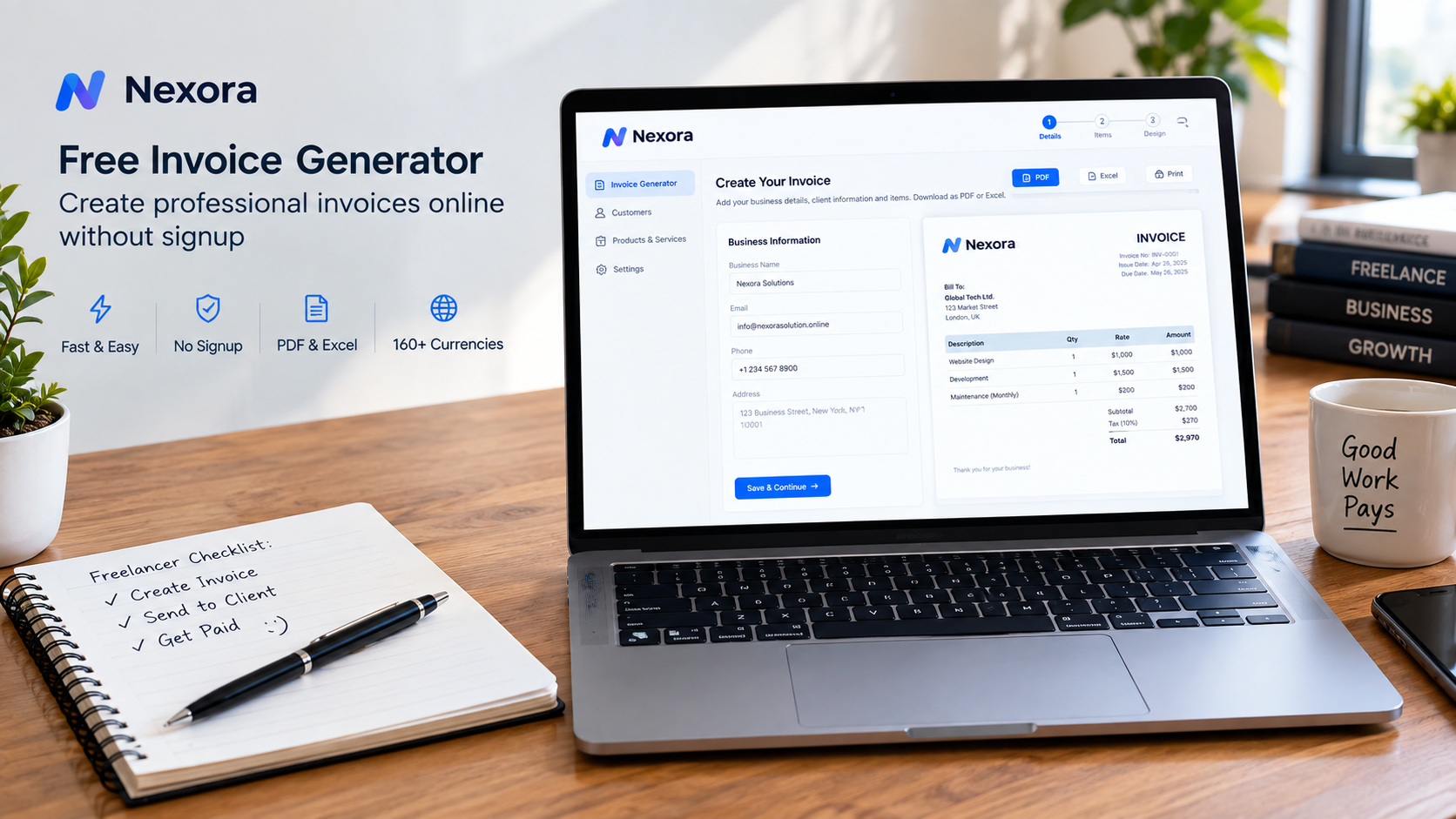
You do not need accounting software to create a professional invoice. Learn how freelancers and small businesses can make invoices online, avoid common billing mistakes and create a ready-to-send PDF with Nexora.
How to Create an Invoice Without Accounting Software
For a freelancer or small business owner, creating an invoice should be a simple part of getting paid.
But many people make the process harder than it needs to be. They open a spreadsheet, search for an invoice template, adjust the columns, calculate tax manually and then spend more time fixing the formatting than preparing the actual bill.
You do not always need full accounting software for that.
When you only need to send professional invoices to clients, a browser-based invoice generator can provide a much simpler workflow. You enter your business information, add the customer and services, review the totals and create the final document.
Nexora's free invoice generator is designed for exactly this type of use. It runs in the browser without signup, creates PDF and Excel invoices, supports multiple currencies and handles taxes, discounts and partial payments. The tool also keeps the invoice data on the user's device rather than requiring a cloud account.
Do You Need Accounting Software to Make an Invoice?
No.
Accounting software becomes useful when you need broader financial management, such as bookkeeping, bank reconciliation, expenses, payroll, reports or multi-user accounting workflows.
An invoice itself is simply a document that records what was sold or what service was provided, how much the customer owes and when payment is expected.
For a freelancer who sends a few invoices each month, using a dedicated invoice generator can be enough for the document-creation part of the job.
This is especially relevant for:
Freelance designers
Web developers
Marketing consultants
Photographers
Writers
Video editors
Independent contractors
Repair professionals
Small agencies
Consultants and coaches
The important distinction is that an invoice generator creates the billing document. It does not replace a complete accounting system.
Why Freelancers Search for a Free Invoice Generator
Freelancers often have a very specific invoicing problem.
They have completed a project and now need to send a professional bill.
They may not want to subscribe to accounting software just to produce one document.
They may also be working with clients in different countries and need a currency other than their home currency.
A good freelance invoice generator should therefore remove unnecessary steps.
You should be able to enter your information once, create an invoice, choose the required currency, check the calculations and export the finished document.
Nexora's tool is built around this browser-first workflow and does not require creating an account before generating the invoice.
How to Create a Freelance Invoice Without Software
The easiest approach is to treat your invoice as a checklist rather than a design project.
Step 1: Enter Your Business Details
Start with the information your client needs to identify you.
Depending on your business, this can include:
Your name or business name
Business address
Email address
Phone number
Tax identification number
Logo
Payment information
Nexora allows business information and a logo or letterhead to be entered and saved locally on the device so the details can be reused on future invoices.
Frequently Asked Questions
Is a free invoice generator enough for a small business?
It can be enough for businesses with straightforward invoicing needs. Businesses requiring accounting, inventory, recurring billing or advanced reporting may need dedicated software.
Where is my invoice data stored in Nexora's free generator?
Nexora states that invoice information is stored locally in the browser on the user's device rather than uploaded to its servers.
Can I use the same invoice generator for international clients?
Yes. The tool supports many currencies, but international businesses should verify the tax and legal requirements applicable to their transactions.
Related Articles
- Free Invoice Generator USA | Create Free Invoices Online — 1 min read
- Free Invoice Generator, Thermal Receipt Generator & Invoice on Letterhead — Nexora Free Business Tools — 1 min read
- Free Invoice Generator Canada: A Practical Guide for Freelancers and Small Businesses — 1 min read
- Free Invoice Generator for Small Businesses in the USA: How to Create a Professional Invoice — 1 min read