The Complete Guide to Restaurant POS Systems in 2026
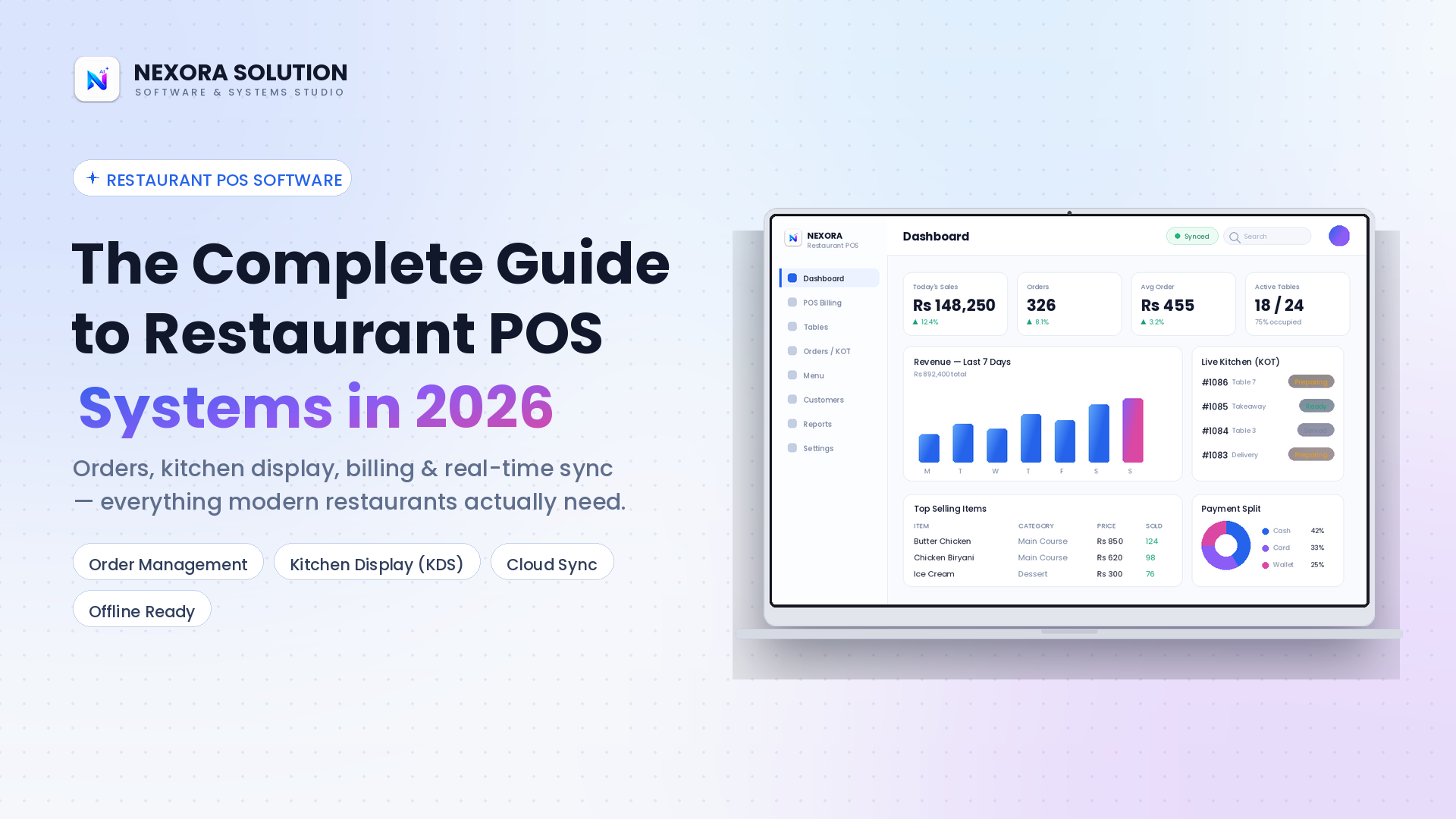
A modern restaurant POS system is no longer just a cash register. Learn what it does, why it matters, and the key features to look for before choosing POS software for your restaurant in 2026.
Everything Restaurant Owners Need to Know About POS Systems
Running a restaurant today means juggling orders, kitchen tickets, billing, staff and customer expectations all at once. A modern restaurant POS system is no longer just a cash register. It is the operational backbone that keeps every part of your restaurant in sync, from the dining floor to the kitchen to your end of day reports.
What Is a Restaurant POS System?
A restaurant POS (Point of Sale) system is software that manages the core operations of a restaurant: taking orders, processing payments, sending tickets to the kitchen and tracking sales, all from a single connected platform. Unlike a traditional cash register, modern restaurant POS software connects your front of house, your kitchen and your back office reporting in real time.
Why Restaurants Need Modern POS Software
Manual order taking and disconnected billing systems create bottlenecks: lost tickets, slow table turnover, pricing mistakes and no real visibility into daily sales. A cloud connected restaurant management software solves this by giving owners and staff a single source of truth, so everyone is working from the same live data instead of paper slips and guesswork.
Key Features to Look For in a Restaurant POS
Order Management: Fast and accurate order taking for dine in, pickup and delivery, with every order instantly routed to the right station.
Kitchen Display System (KDS): Digital kitchen tickets, or KOT, replace handwritten slips. This reduces errors, speeds up food preparation and gives your kitchen staff a clear live queue.
Billing and Invoicing: Automatic tax calculation, split billing and instant receipts keep checkout fast and accurate even during peak hours.
Customer Wallet and Loyalty: Track customer balances, repeat orders and loyalty rewards directly from the POS to increase repeat business.
Real Time Cloud Sync: Menu changes, pricing updates and sales data sync live across every device. Update a price once and every terminal reflects it immediately.
Offline Capability: A reliable POS for restaurants keeps working even when the internet drops, then syncs automatically once the connection returns. Service never stops.
Multi Role Staff Access: Give cashiers, kitchen staff and managers exactly the access they need and nothing more, protecting your sales data and reports.
Traditional POS systems store data locally and require manual backups and updates. A cloud POS system syncs data in real time, supports remote reporting from anywhere and scales easily as your restaurant grows, without expensive hardware upgrades every few years.
Choosing the Right Restaurant POS for Your Business
When evaluating restaurant POS software, prioritise ease of use for staff during a busy rush, reliable offline mode, transparent pricing without hidden fees, responsive customer support and a system that is genuinely built for food service rather than a generic retail POS repurposed for restaurants.
Why Nexora Restaurant POS
Nexora Restaurant POS brings together order management, kitchen display, billing, customer wallets and real time cloud sync in one offline capable desktop application, built specifically for restaurants that need speed and reliability during service hours. It is designed for single outlets and growing chains across Pakistan, UAE and beyond.
Frequently Asked Questions
What is a restaurant POS system?
A restaurant POS system is software that manages orders, billing, kitchen tickets and sales reporting from one connected platform, replacing traditional cash registers and paper based workflows.
Does a restaurant POS work without internet?
Yes. A good offline capable POS system continues taking orders and processing bills without internet, then automatically syncs all data to the cloud once the connection is restored.
What is a Kitchen Display System (KDS)?
A Kitchen Display System replaces printed or handwritten kitchen order tickets with a digital screen, showing live orders to kitchen staff, reducing errors and speeding up preparation time.
How much does restaurant POS software cost in Pakistan?
Pricing varies by features and number of outlets. Nexora Restaurant POS offers transparent plans with a free trial so restaurants can test the full system before committing.
Can a restaurant POS handle dine in, takeaway and delivery?
Yes. Modern restaurant POS software supports dine in table management, takeaway and delivery orders in one system, routing each order type to the correct workflow automatically.